
Animate Image with AI
Upload a photo, describe the motion, and get a realistic video clip in about a minute. Works in your browser on phone or desktop.
Your result will appear here.
Made from a single photo
Source photos shown. Hover to preview the motion style.

Portrait · hair in the breeze01A 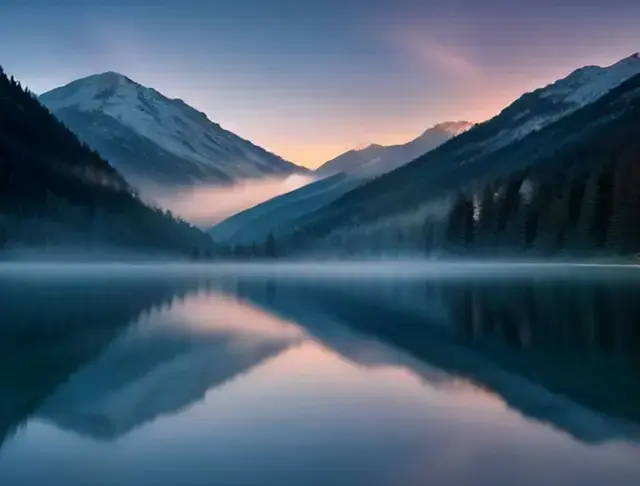
Landscape · drifting mist02A 
Pet · tail wag and head tilt03A 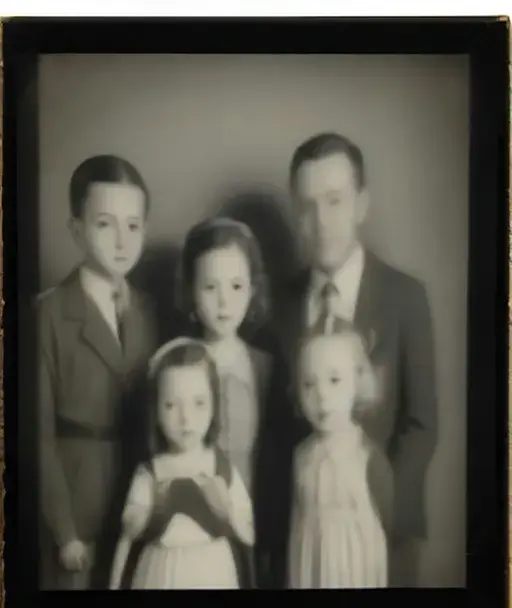
Old photo · gentle smiles04A 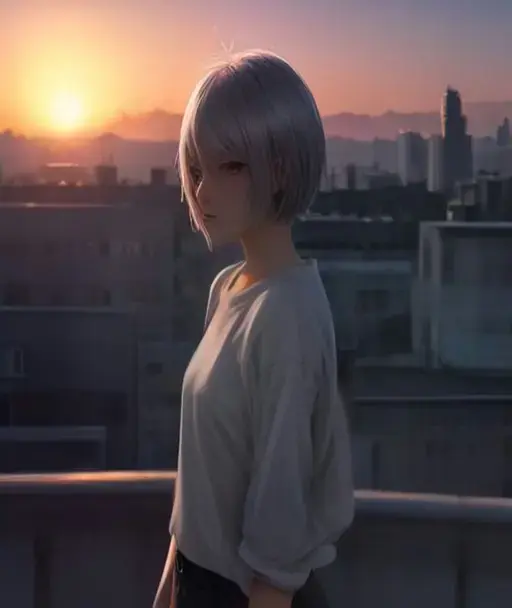
Illustration · wind and light05A 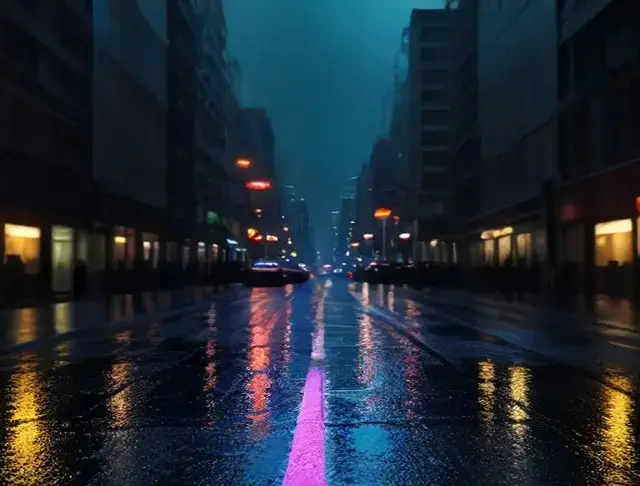
Street · rain and neon06A
What does it mean to animate an image?
To animate an image is to turn a single still picture into a short video where things actually move: a person blinks and smiles, hair lifts in the wind, water ripples, the camera slowly pushes in. In the past this meant hours in After Effects, cutting the photo into layers and keyframing each one by hand. Today an AI video model looks at your picture, understands what is in it, and predicts how that scene would move.
This tool lets you animate photos online with AI, straight from the browser. You upload a picture, optionally describe the motion you want, and the model renders a 5 or 10 second clip. It works on portraits, pets, landscapes, paintings, product shots, illustrations and even old family photos, so the same page doubles as an AI photo animator, an image to video converter and a simple animate image maker for social posts.
Some people search for a way to animate an image with no AI at all, using hand-drawn keyframes or a GIF editor. That still works for simple loops, but it cannot invent realistic motion that is not in the picture. AI animation can, and it takes a minute instead of an afternoon.
Why animate images here
Realistic motion, not a wobble filter
Under the hood is a current image-to-video model that keeps faces, hands and backgrounds consistent from the first frame to the last, instead of warping the photo.
You direct the scene
Type what should happen, like "she laughs and looks over her shoulder" or "slow drone shot pulling back". Leave it empty and a natural, subtle motion is used.
Nothing to install
Mobile apps make you download and sign up before you see anything. Here you open the page and animate images online from any phone, tablet or computer.
Fair credits, refunds on failure
New accounts start with free credits. A 5 second video costs 25 credits, and if a generation fails the credits are returned automatically.
How to animate an image in 3 steps
- 1
Upload your photo
Click the upload area or drop a JPG, PNG or WebP file. Clear, well-lit photos with one main subject give the best motion.
- 2
Describe the motion
Write a short sentence about what should move and how the camera behaves, then pick a 5 or 10 second length.
- 3
Generate and download
Press Animate. In about a minute the video appears in the result panel. Preview it, download the MP4 and find it again later in My Creations.
Frequently asked questions
More AI tools
- animate photo aiMake portraits smile, blink and look around.
- image to video aiTurn any picture into a cinematic 5–10s clip.
- animate image makerMoving pictures for posts, ads and loops.
- animate old photosBring vintage family photos back to life.
- talking photoMake a portrait speak to the camera.
- animate pngMake stickers, mascots and cutouts move.
Your photo is one minute away from moving.
Upload a photo